
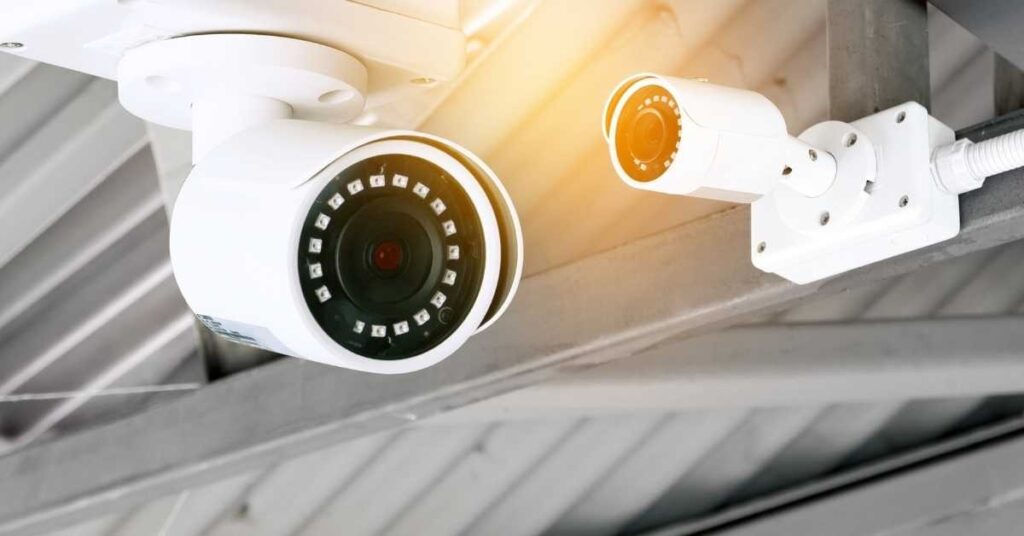
Installing CCTV cameras can enhance security for homes and businesses. Here’s a guide to help you understand the process and considerations involved:
1. Planning Your Installation
- Identify Purpose: Determine what areas you want to monitor (entry points, parking lots, etc.).
- Choose Camera Types: Decide between options like dome, bullet, or PTZ (pan-tilt-zoom) cameras based on your needs.
- Coverage Area: Assess the coverage needed and consider the field of view for each camera.
2. Selecting Equipment
- Cameras: Look for features like resolution (1080p or higher for clarity), night vision, and weather resistance (if outdoors).
- DVR/NVR: Choose between a Digital Video Recorder (for analog cameras) or a Network Video Recorder (for IP cameras) for storage.
- Cables and Accessories: Depending on the setup, you’ll need coaxial cables for analog or Ethernet cables for IP cameras. Don’t forget power supplies, connectors, and mounts.
3. Installation Steps
- Positioning: Mark locations for cameras, ensuring they are at a height that minimizes blind spots but is difficult to tamper with.
- Mounting: Use appropriate mounts and ensure cameras are securely fixed.
- Wiring: Run cables from cameras to the DVR/NVR, making sure to hide them if possible for a cleaner look and added security. If using wireless cameras, ensure the Wi-Fi signal is strong.
- Connecting Power: Ensure cameras are connected to a power source, whether through direct wiring or adapters.
- Setting Up the Recorder: Connect your DVR/NVR to a monitor, configure settings (like recording schedule, motion detection), and format the storage if necessary.
4. Configuration
- Network Setup: If using IP cameras, connect them to your network and configure settings through a web interface or app.
- Remote Access: Set up remote viewing on smartphones or tablets by downloading the appropriate app and configuring network settings (like port forwarding).
5. Testing
- Check Angles: Ensure each camera has the correct angle and coverage.
- Adjust Settings: Test and tweak settings such as motion detection sensitivity and recording quality.
6. Maintenance
- Regular Checks: Inspect cameras and connections periodically to ensure everything is functioning properly.
- Update Firmware: Keep camera firmware and software updated for security and performance improvements.
Tips:
- Lighting: Consider external lighting for better night vision.
- Legal Considerations: Be aware of local laws regarding surveillance and privacy.
If you have specific questions or need more detailed guidance on any aspect of CCTV installation, let me know!